|
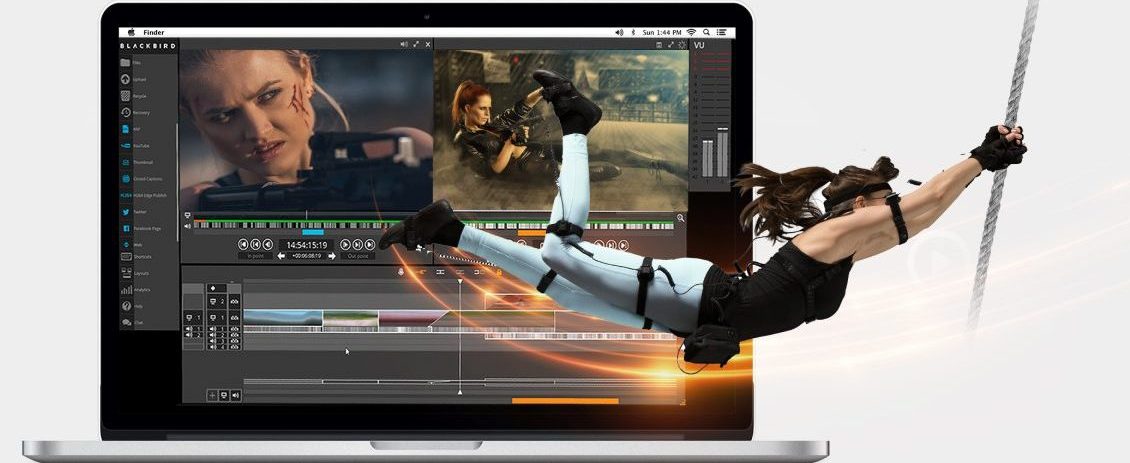
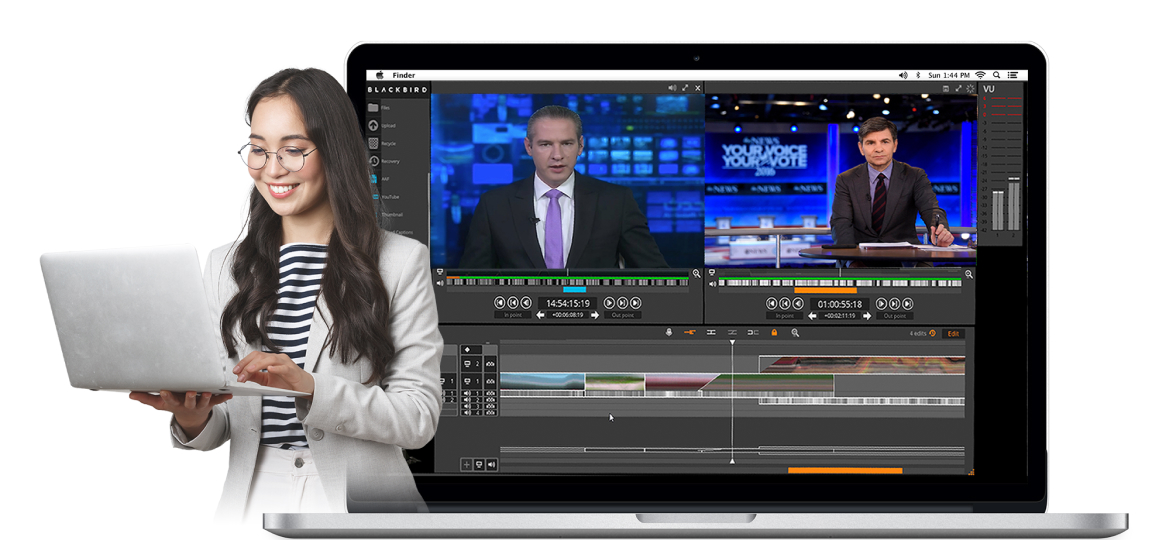
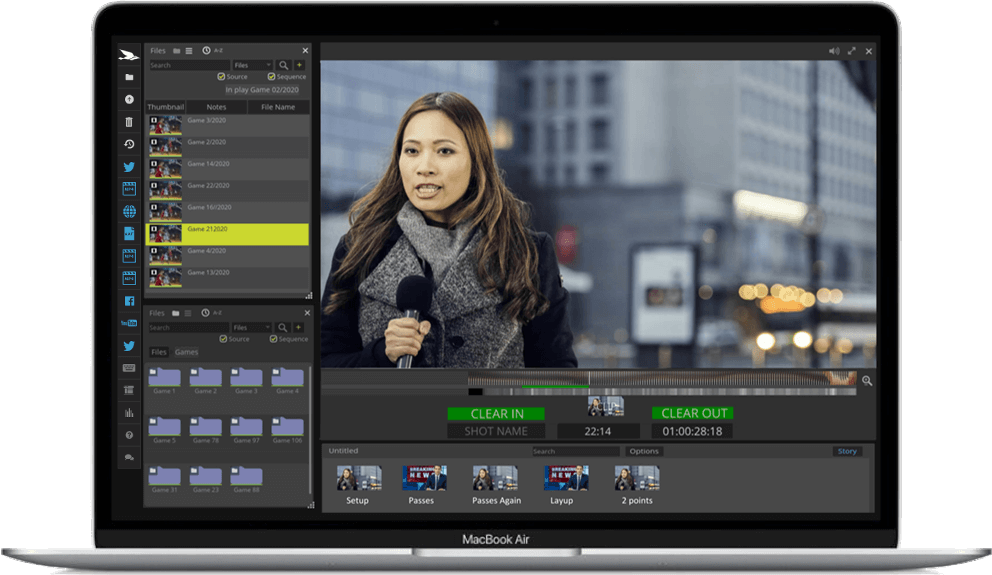
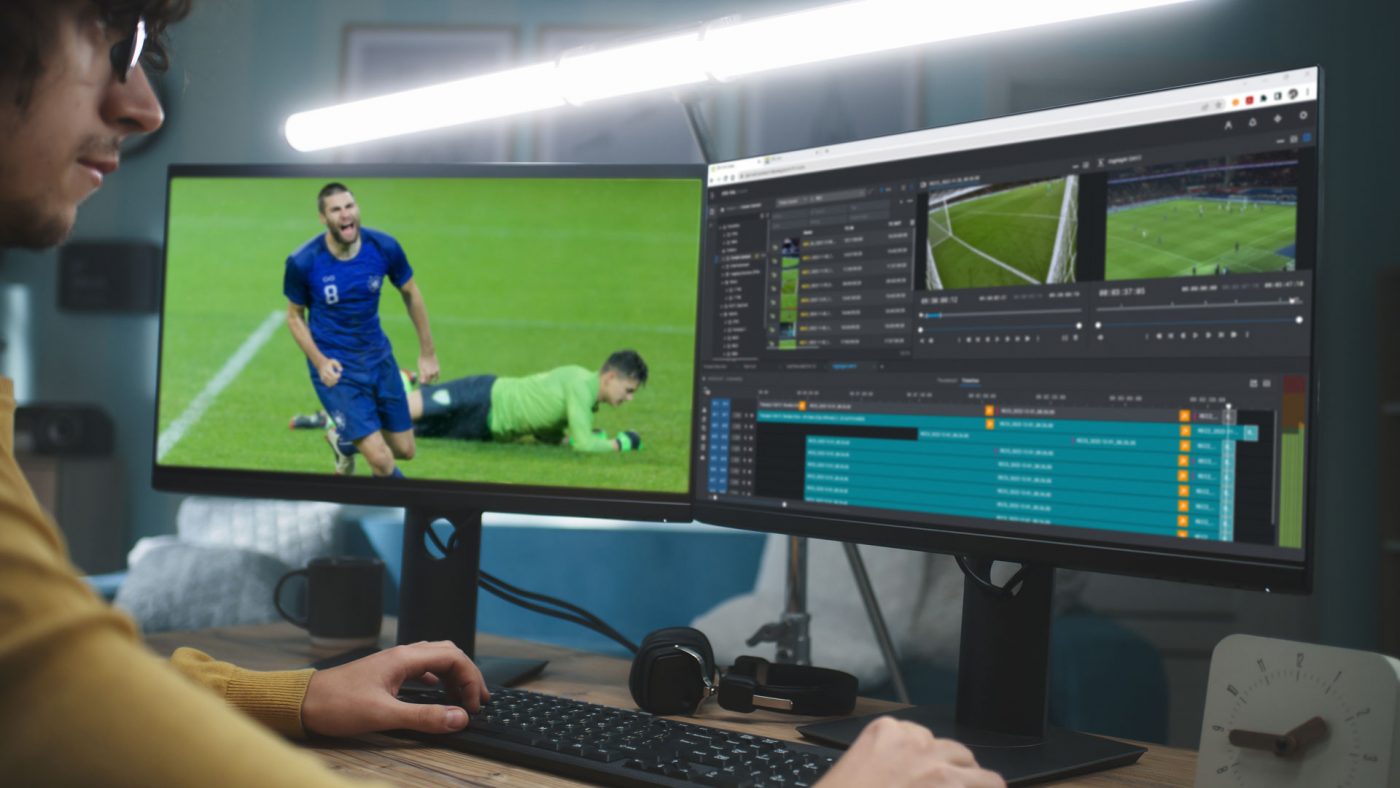
FORscene provides professional editing tools in a SaaS (Software as a Service) package for all
video industries including Broadcast post production, News and Corporate Professional environments.
FORscene’s video platform allows you to take advantage of Cloud computing (more...) by enabling the centralisation of material and collaboration in workflows.
SaaS with flexible monthly pricing through seat licences offers significant savings in time and budgets.
|
FORscene enables:
- Management of media through an online directory
- Connection through any web browser from anywhere
- Monitoring usage to ensure productivity
- Control of access to media via individual user settings
- Savings in training time and storage costs
|
|
| | |
System Requirements
2GB RAM
1 Mb/sec internet connection
Mac (OSX 10.4 or newer)
Windows (XP, Vista or 7) or Linux
|
| | |
|
|
|
FORscene’s intuitive patent-pending Navigation Bar allows you to view
video on any timescale. Cuts and camera movements
are clearly visible at a glance, minimising the time taken
to navigate content.
|
|
Integrated Chat in FORscene provides a community
network of users. Alternatively, private chat rooms allow
productions and companies to discuss projects in secure
locations. One-to-one technical support chat rooms give
users the opportunity to quickly ask experts about FORscene or
workflows.
|
|
With fully searchable Metadata, all logged and
annotated material can be located in seconds. FORscene’s search
displays all matching material in original rushes,
derivative clips and shot selections. Incremental features
help users display matching only clips amongst long logged
rushes.
|
|
Interactive timecodes in FORscene allow you
jump around video through a variety of methods. Type in
where you want to go, drag and drop the timecode to insert
into logs or shot selection. Full frame accurate editing in
FORscene provides the professional standard required.
|
|
FORscene’s intuitive drag and drop interface makes FORscene quick to learn and easy to use.
All editing functionality is available by using the mouse,
with left click providing standard functionality and right click for related advanced features.
|
|
For publishing direct from FORscene,
built-in editing features include frame accurate audio
editing, with key frame markers easy to add/remove and
adjust. Simple displays inform the user of audio clipping
and volume levels through clear colour displays. Quick tools
let the users fade-in and fade-out quickly.
|
|
Add Titles to your content, choose your size,
colour, transparency and position on screen. Copy and paste
design style to ensure all titles are consistent within your
video piece.
|
|
Export shot selections or rough cut edits
from FORscene to link back to standard NLE systems in AAF, XML,
EDL and ALE formats for finishing off-line or moving directly to on-line.
Other export formats include MPEG-2/4, FLV, JPEG and OGG.
|
|
Take content out of FORscene to
multi-media devices with the assurance your Whites will look
White! FORscene includes easy to use control over White Balance, Saturation and
Black and White levels. Applicable to both video and still images.
|
|
| | |
|